Please find below detailed instructions for the
binary installation of TTK under MacOS.
These specific notes describe the installation procedure used by TTK's continuous integration to install and test TTK under Github's virtual machines running MacOS 26.
·
·
We will assume in the remainder that you installed Homebrew on your system successfully, under default directories.
To install TTK's and ParaView's dependencies, open a terminal and enter the following commands:
Optionally, the following optional dependency can be installed with
If paraview does not load correctly or creates an error, this may indicate either your
When executing downloaded packages from the command line, MacOS will likely trigger a security warning. To fix, open System Preferences and switch to the
On this screen, clicking on the "Example Visualizations" link should bring you to the TTK built-in example screen:
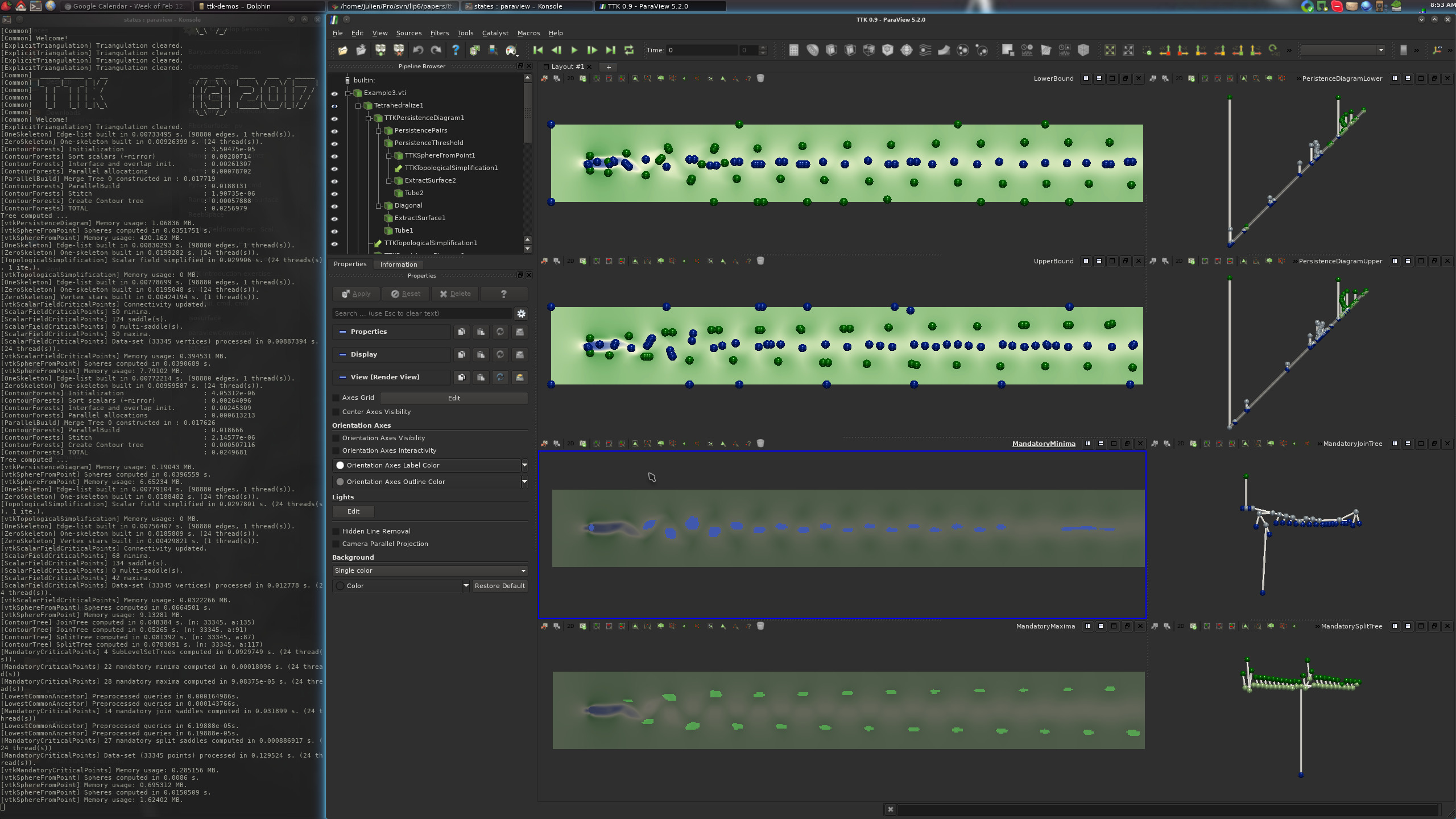
From there, clicking on one of the three buttons should generate one of the following three visualizations:
If this is the case, congratulations!
You have just successfully installed TTK on your system!
These specific notes describe the installation procedure used by TTK's continuous integration to install and test TTK under Github's virtual machines running MacOS 26.
1. Downloading the packages
Please checkout and review our download page and download the following packages:·
ttk-paraview-v6.1.1-macos-26.tar.gz·
ttk-1.4.0-macos-26.tar.gz
2. Installing dependencies with Homebrew
To install TTK's dependencies, we recommand to MacOS users to use the Homebrew package manager. Please checkout Homebrew's installation page to download and install Homebrew.We will assume in the remainder that you installed Homebrew on your system successfully, under default directories.
To install TTK's and ParaView's dependencies, open a terminal and enter the following commands:
brew install --cask xquartzbrew install mesa glew qt@5 ninja libompbrew install boost cgal eigen graphviz spectra sqlite tbb zlib numpy qhull
2. ParaView installation
Installation by default will place files in/usr/local, however you could install into a different directory and adjust the paths as indicated below. To install TTK's version of ParaView, open a terminal and enter
the following command:mkdir ~/ttk-binarymv ~/Downloads/ttk-paraview-v6.1.1-macos-26-arm64.tar.gz ~/ttk-binarycd ~/ttk-binarytar xzvf ttk-paraview-v6.1.1-macos-26-arm64.tar.gzsudo cp -r ttk-paraview/* /usr/local
3. TTK installation
To install TTK, open a terminal and enter the following command:mv ~/Downloads/ttk-1.4.0-macos-26-arm64.tar.gz ~/ttk-binarycd ~/ttk-binarytar xzvf ttk-1.4.0-macos-26-arm64.tar.gzsudo cp -r ttk/* /usr/local
4. Setting up environment variables
At this point, for an optimal user experience, we recommend users to define the following environment variables (in particular, when using TTK with python). This can be done by entering the following commands:echo "export CMAKE_PREFIX_PATH=$(brew --prefix qt@5)/lib/cmake:$CMAKE_PREFIX_PATH" >> ~/.zshrcecho "export PYTHONPATH=${PYTHONPATH}:/usr/local/lib/python3.12/site-packages/" >> ~/.zshrcecho "export PV_PLUGIN_PATH=${PV_PLUGIN_PATH}:/usr/local/lib/plugins/" >> ~/.zshrcecho "export DYLD_LIBRARY_PATH=${DYLD_LIBRARY_PATH}:/usr/local/lib" >> ~/.zshrc (this is only necessary if installed somewhere other than /usr/local, changed to your install directory)echo "export PATH=${PATH}:/usr/local/bin/" >> ~/.zshrc (this is only necessary if installed somewhere other than /usr/local, changed to your install directory)source ~/.zshrcOptionally, the following optional dependency can be installed with
pip (if present on the system):pvpython -m pip install scikit-learn. If pvpython is not found or creates an error, this indicates either your PATH or PYTHONPATH variable is not set correctly.
5. Checking your TTK installation
If you applied all the above steps successfully, you can now open a terminal and type the following command to load your TTK-patched ParaView:paraviewIf paraview does not load correctly or creates an error, this may indicate either your
PATH or DYLD_LIBRARY_PATH variable is not set correctly. Likewise, for the examples tested below, they might reveal issues with the PV_PLUGIN_PATH variable.When executing downloaded packages from the command line, MacOS will likely trigger a security warning. To fix, open System Preferences and switch to the
Privacy & Security panel. Under the General tab you should be able to find an option to Allow Anyway.
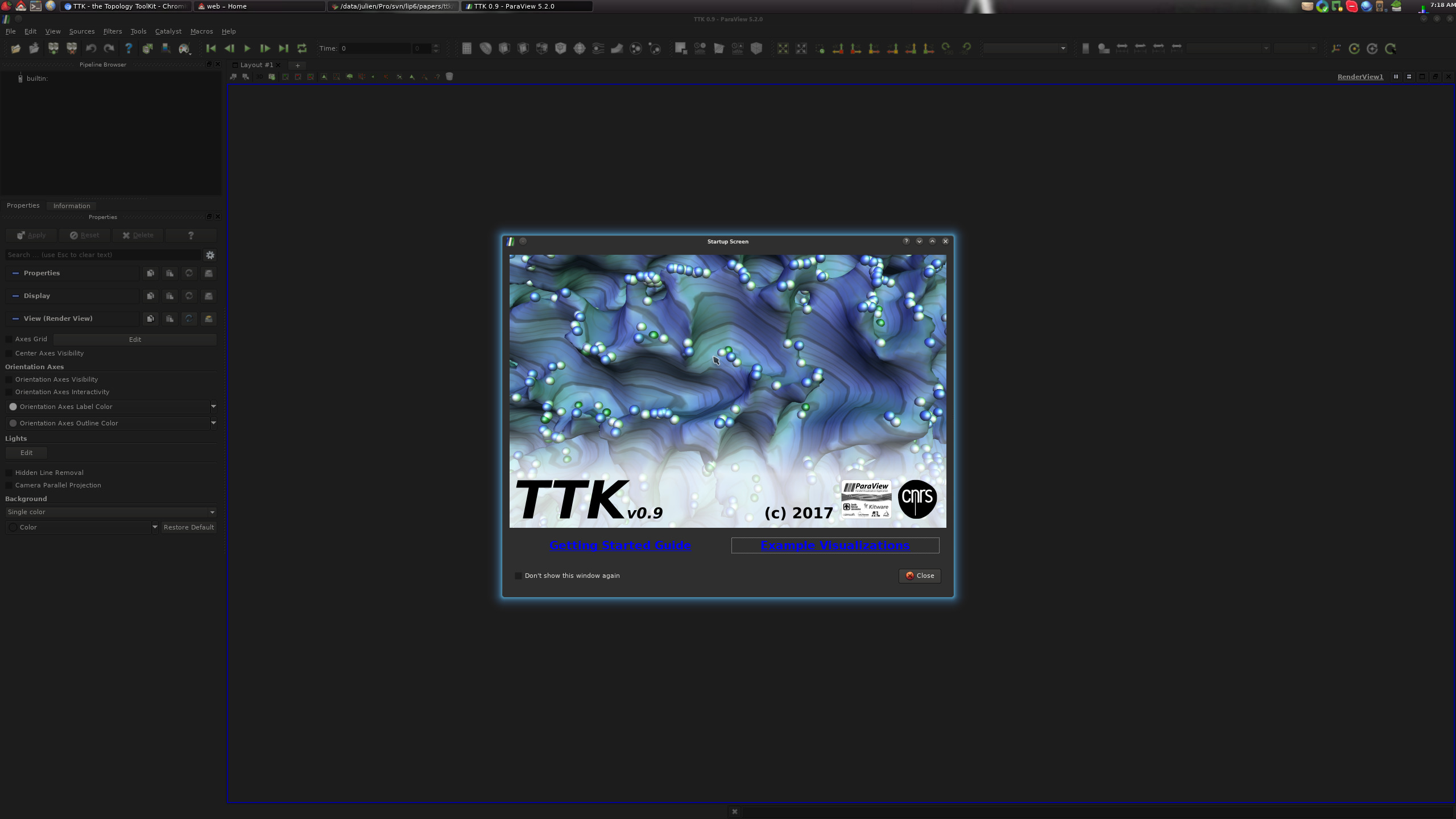
If all works, you should see the following TTK startup screen:
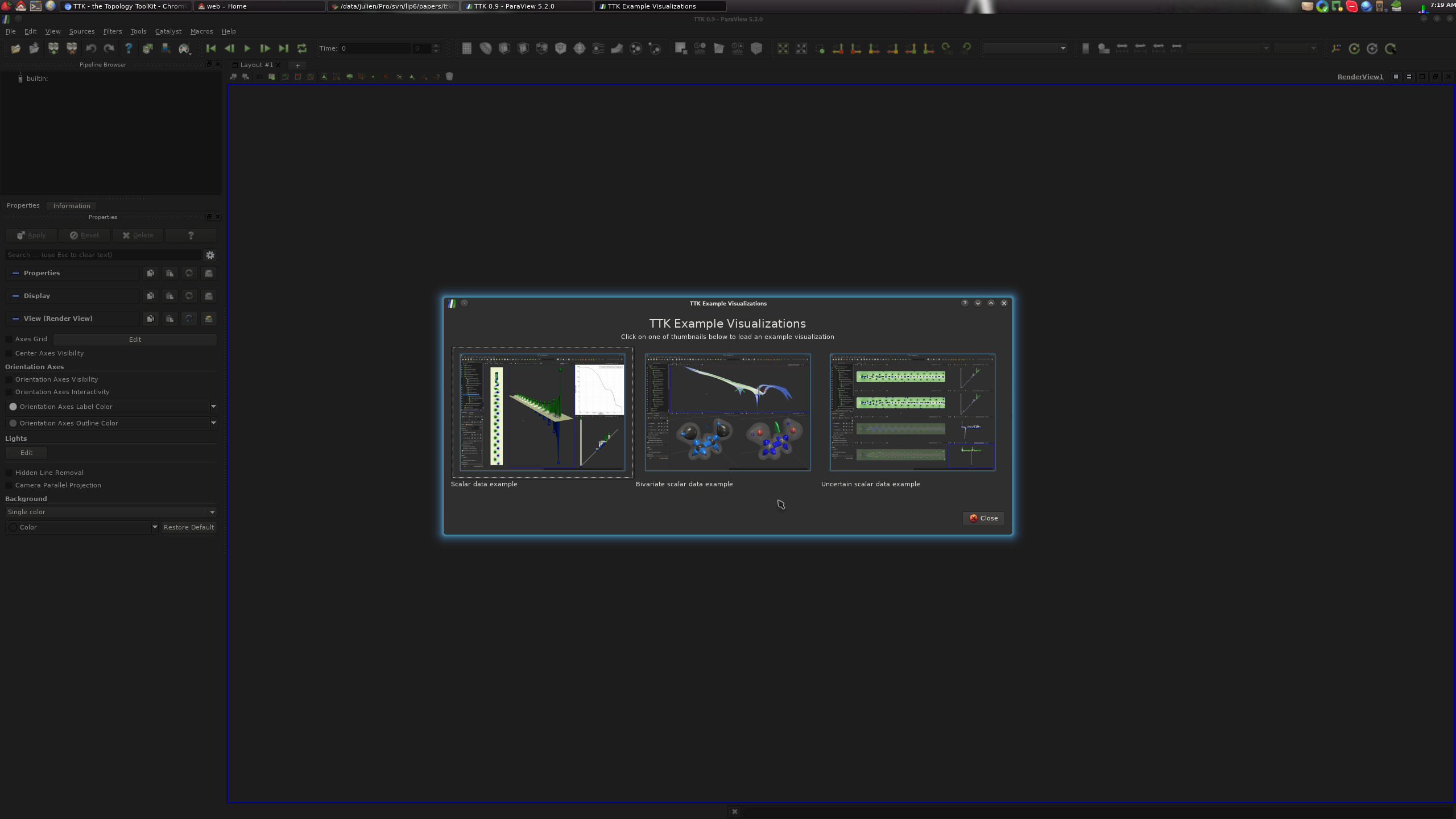
On this screen, clicking on the "Example Visualizations" link should bring you to the TTK built-in example screen:
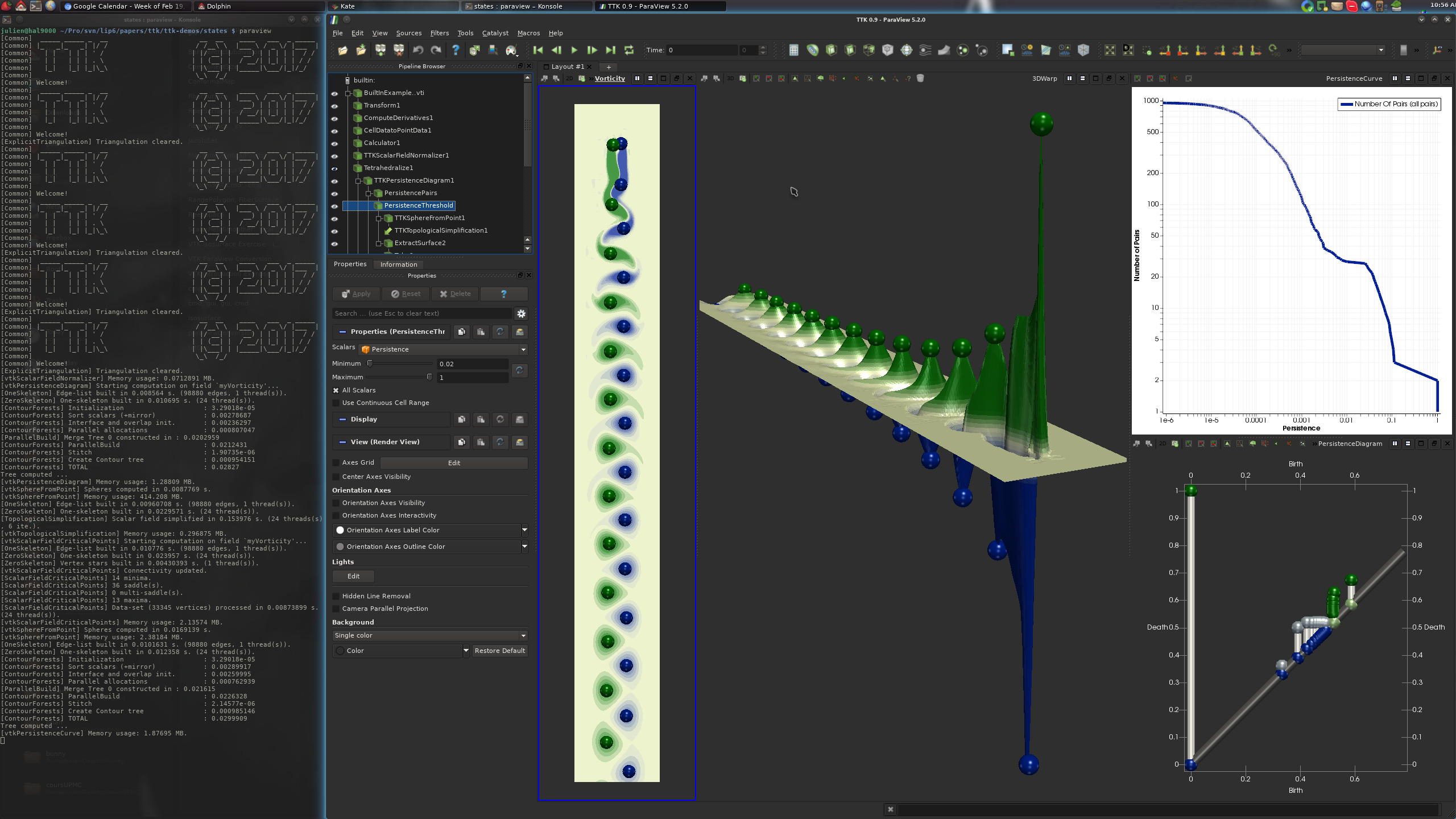
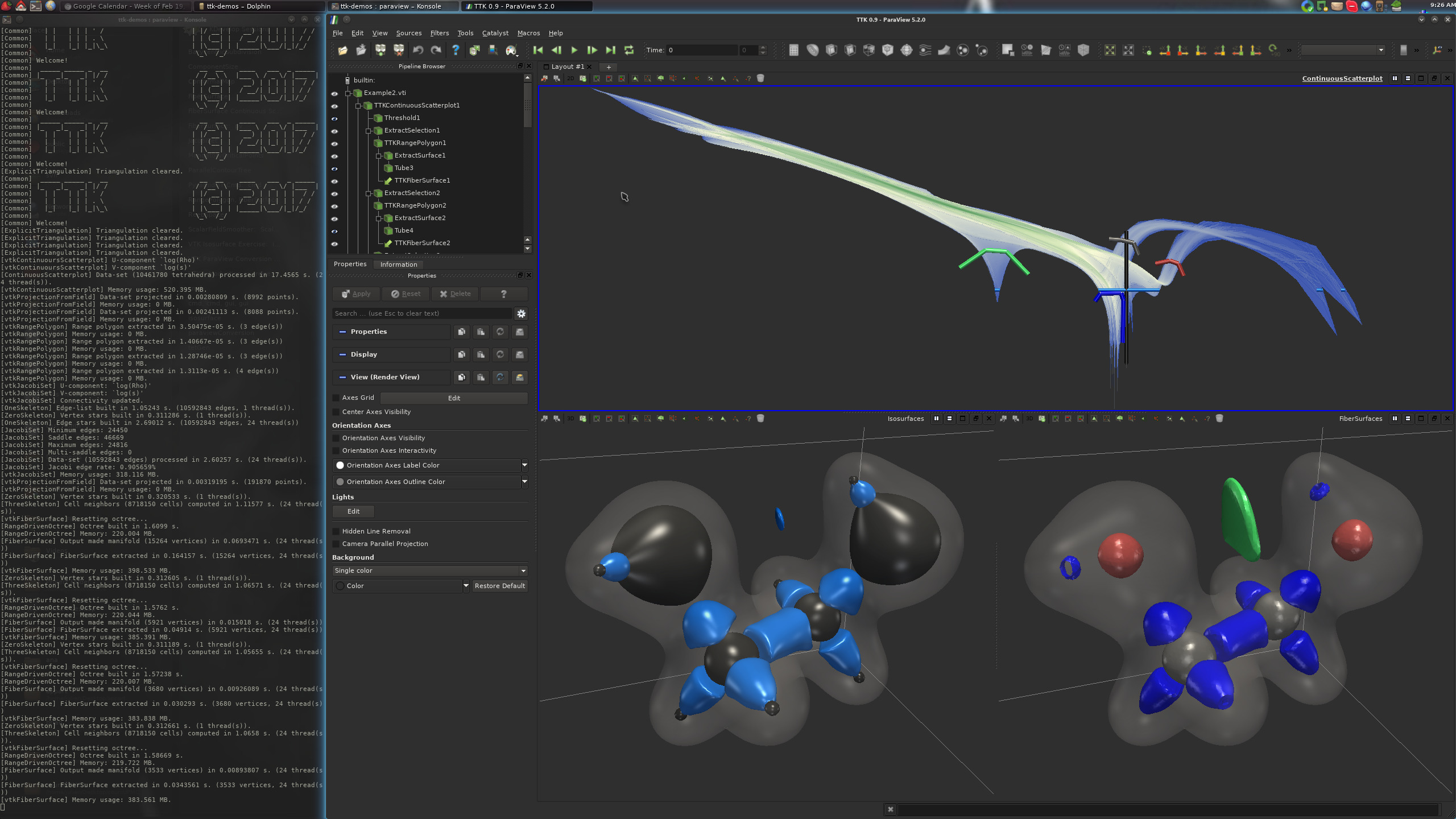
From there, clicking on one of the three buttons should generate one of the following three visualizations:
If this is the case, congratulations!
You have just successfully installed TTK on your system!
Now, please visit our tutorial page to watch video tutorials showing how to use TTK with ParaView with concrete examples and how to use it from your own Python or C++ code or how to extend TTK by writing up your own module!