Please find below detailed instructions for the
installation of TTK 1.4.0 under Ubuntu Linux.
These specific notes describe the installation procedure used by TTK's continuous integration to install and test TTK under Github's virtual machines running Ubuntu 26.04.
·
·
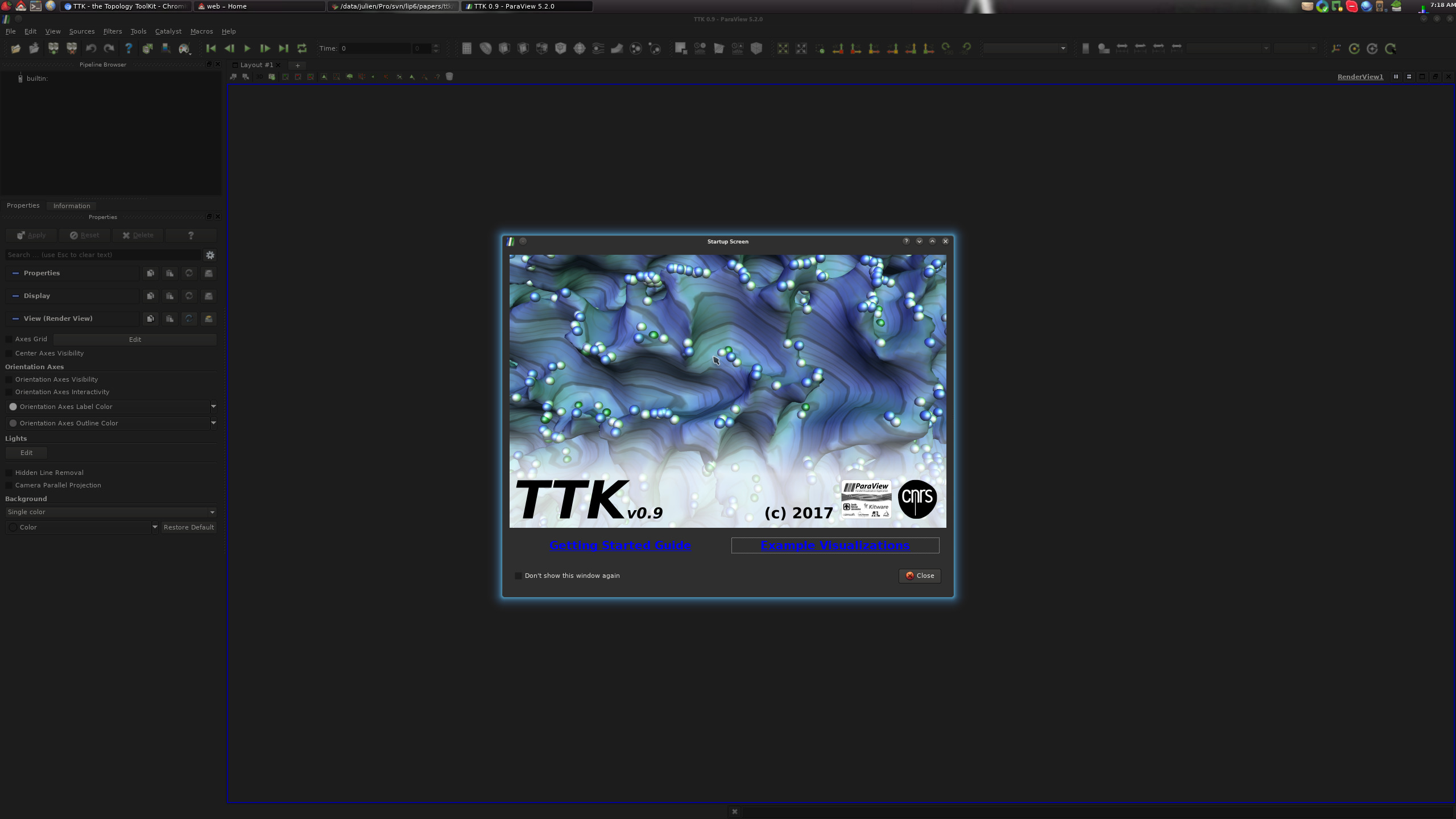
At this point, you should see the following TTK startup screen:
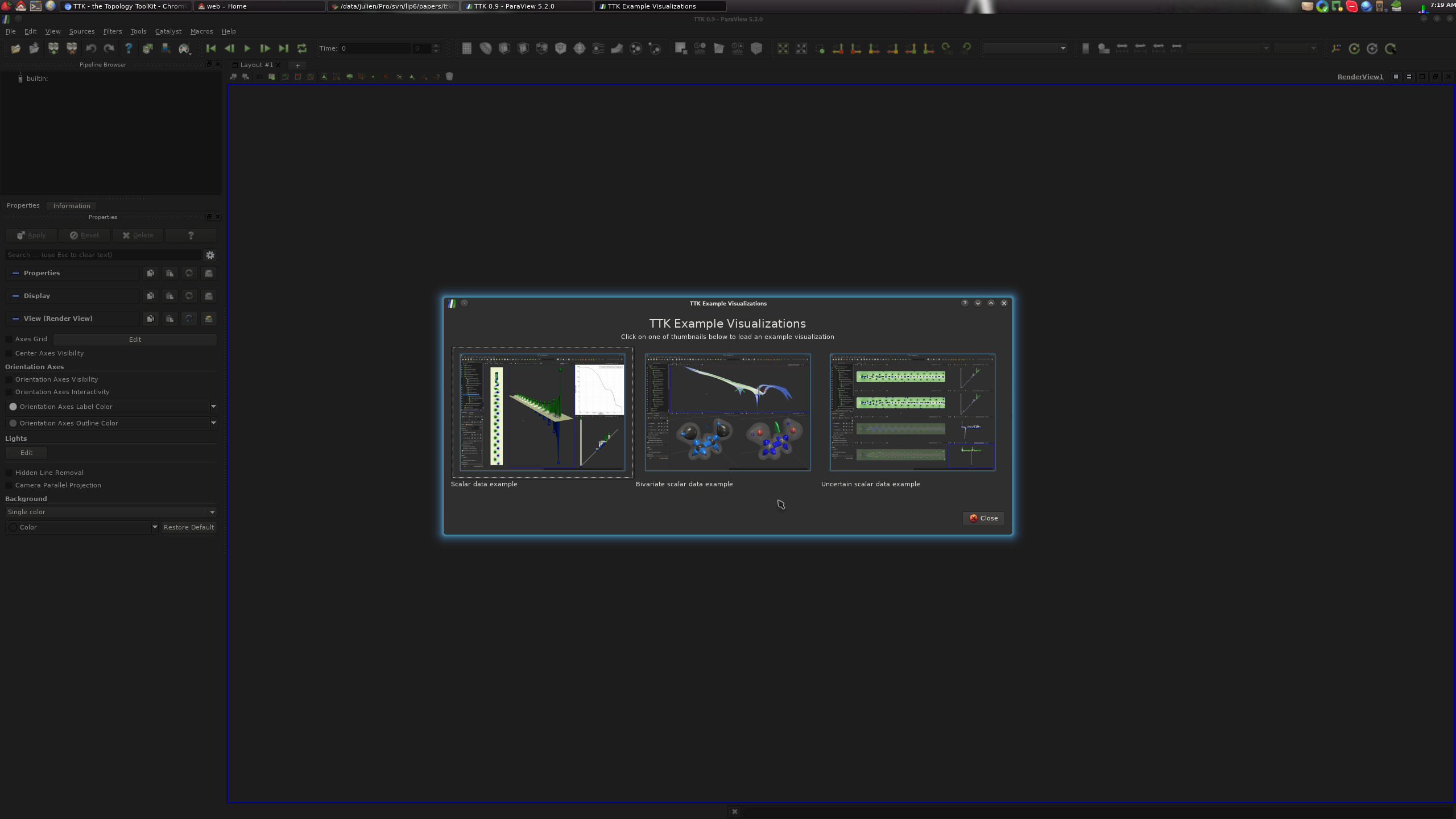
On this screen, clicking on the "Example Visualizations" link should bring you to the TTK built-in example screen:
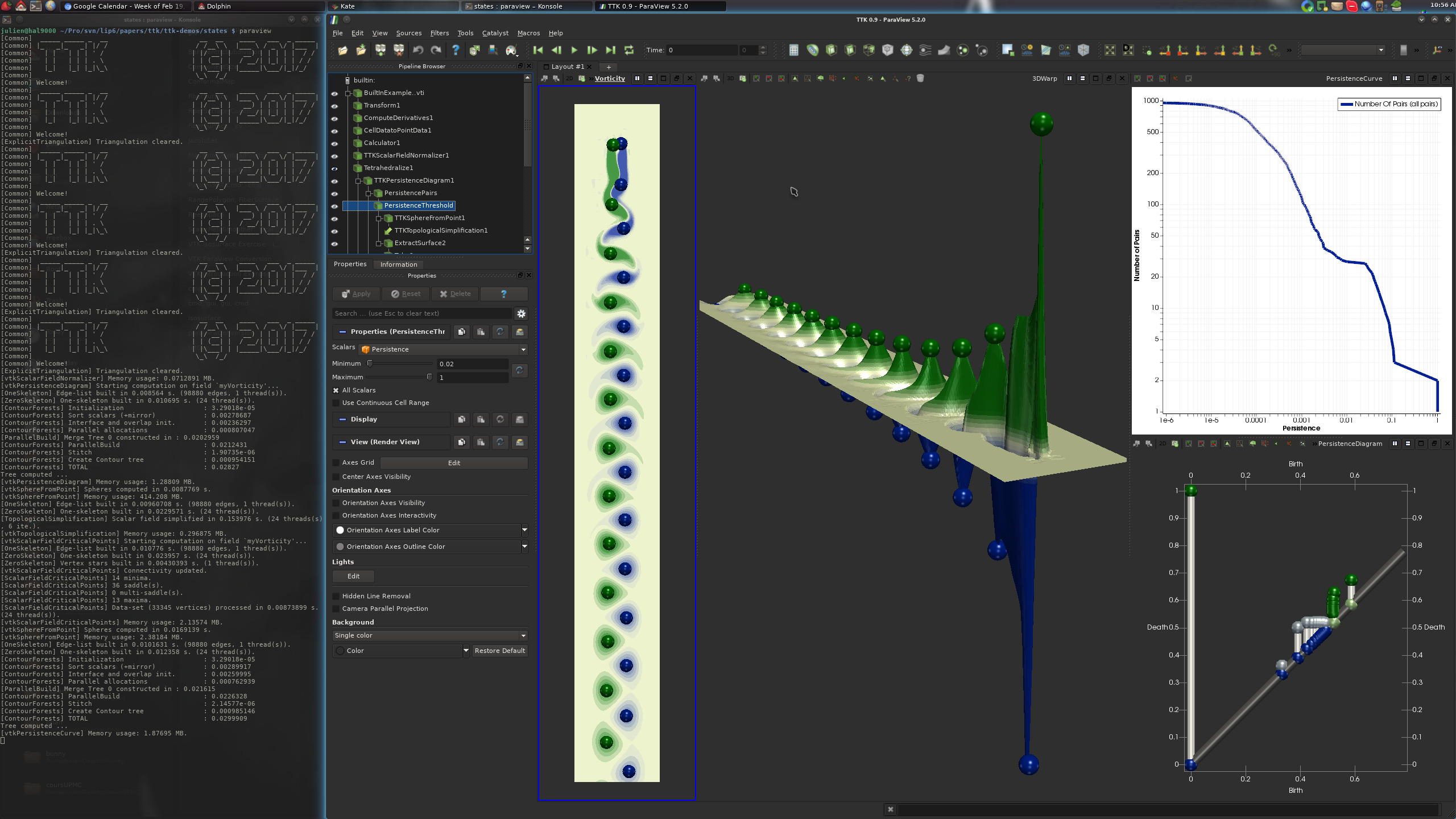
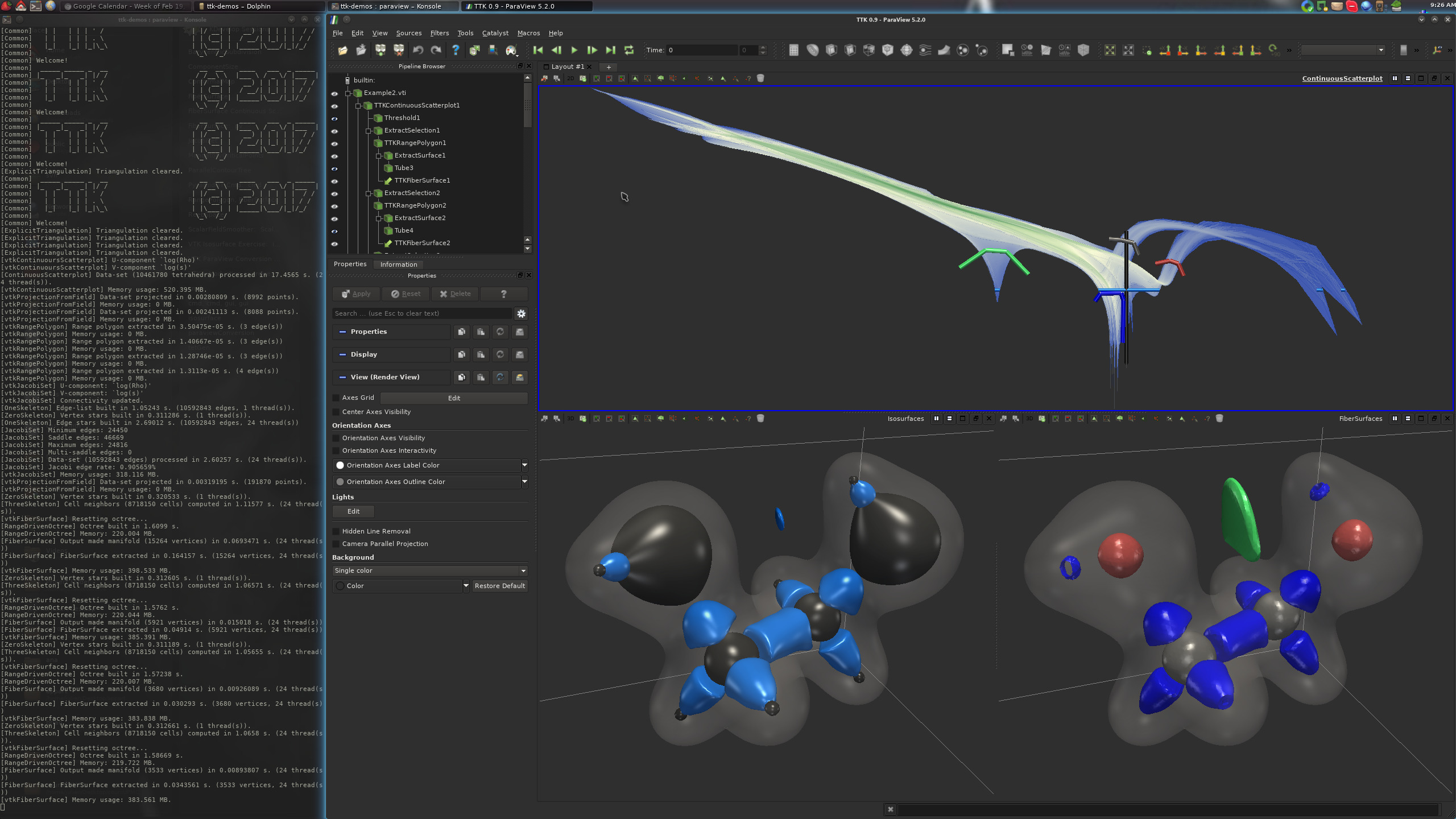
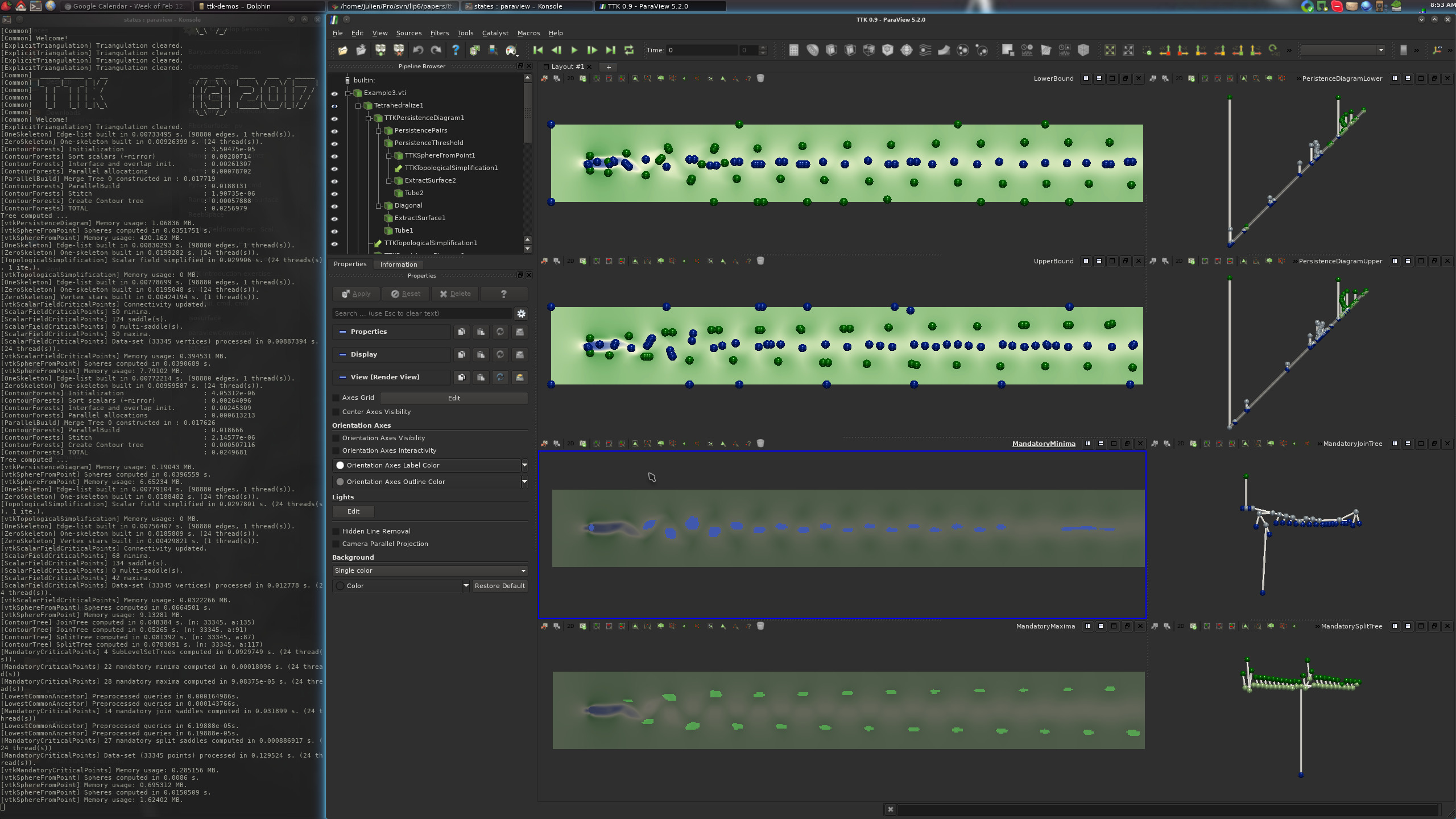
From there, clicking on one of the three buttons should generate one of the following three visualizations:
If this is the case, congratulations!
You have just successfully installed TTK on your system!
These specific notes describe the installation procedure used by TTK's continuous integration to install and test TTK under Github's virtual machines running Ubuntu 26.04.
1. Downloading the packages
Please checkout and review our download page and download the following packages:·
ttk-paraview-v6.1.1-ubuntu-26.04.deb·
ttk-1.4.0-ubuntu-26.04.deb
2. ParaView installation
Assuming you downloaded the above packages in the~/Downloads/ directory, open a terminal and enter the following commands:
sudo apt install -y ~/Downloads/ttk-paraview-v6.1.1-ubuntu-26.04.deb
3. TTK installation
Assuming you downloaded the above packages in the~/Downloads/ directory, open a terminal and enter the following commands:
sudo apt install -y ~/Downloads/ttk-1.4.0-ubuntu-26.04.deb
4. Checking your TTK installation
If you applied all the above steps successfully, you can now open a terminal and type the following command to load your TTK-patched ParaView:paraviewAt this point, you should see the following TTK startup screen:
On this screen, clicking on the "Example Visualizations" link should bring you to the TTK built-in example screen:
From there, clicking on one of the three buttons should generate one of the following three visualizations:
If this is the case, congratulations!
You have just successfully installed TTK on your system!
Now, please visit our tutorial page to watch video tutorials showing how to use TTK with ParaView with concrete examples and how to use it from your own Python or C++ code or how to extend TTK by writing up your own module!